PRACTICING & PERFORMING
Chromatic Tuner
The Songs app’s built-in chromatic tuner allows you to practice your intonation when doing vocal exercises and enables you to tune string instruments.
The Songs app activates the microphone of your iOS/macOS device to monitor the wave frequency of incoming signals and determines the pitch. The tuner requires a monophonic signal (from a single voice/string) to yield accurate results.

|
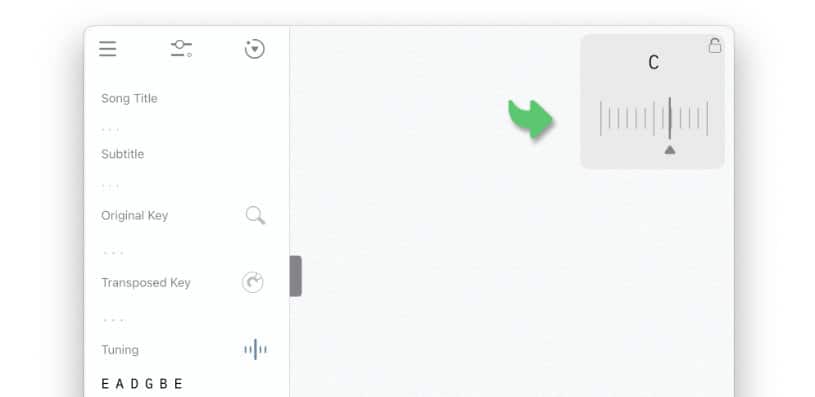
To activate the tuner go to the 'Song Info' panel and tap/click on the tuner icon to the right of the 'Tuning' label. |

The chromatic tuner appears in the song info pop-up window:
|
|
Sing a note or pluck a string on your instrument to show the pitch of the signal picked up by your device’s microphone. |

|
The chromatic tuner displays the note that is closest in pitch to the incoming microphone signal. A moving needle indicates whether the incoming signal is 'sharp' (too high) or 'flat' (too low) in relation to the note. A perfect pitch is achieved when the needle is centered just underneath the note: |

|
|
Tighten a plucked string if the needle is positioned left to the center. |
|
|
Loosen a plucked string if the needle is positioned right to the center. |
When tuning an electric guitar without an amplifier place your iOS device on top of the body of your guitar to boost the signal.